
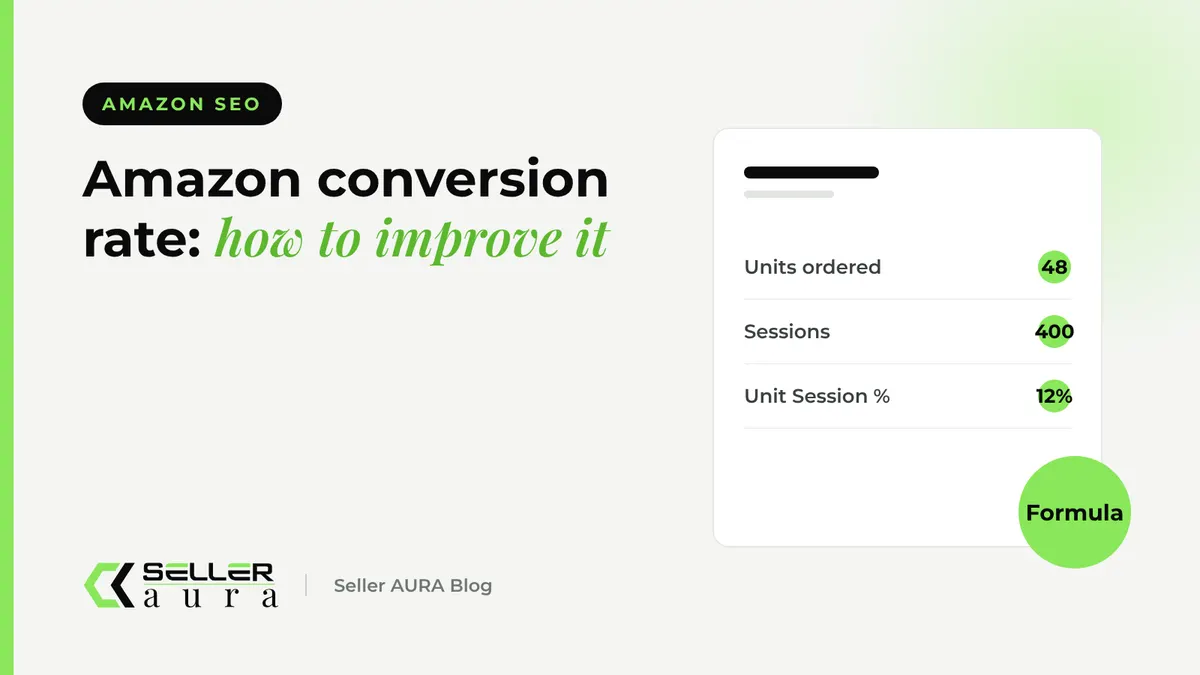
On Amazon, conversion rate is reported as Unit Session Percentage: units ordered divided by sessions. This guide explains the metric, where to find it and what actually improves it.
Amazon conversion rate is the share of visits to your product page that end in a purchase. In Seller Central it is reported as Unit Session Percentage: the number of units ordered divided by the number of sessions, shown as a percentage. This guide explains the metric in Amazon's own terms, where to find it, why it moves and what improves it.
How Amazon defines conversion rate
Amazon's Business reports glossary defines Unit Session Percentage as the number of units purchased relative to the number of customers who viewed the products, calculated by dividing the number of units by the number of sessions for a selected time period and expressing the result as a percentage.
The formula is: Unit Session Percentage = units ordered ÷ sessions × 100. If a product had 400 sessions and 48 units ordered in a week, its Unit Session Percentage is 12%.
The terms behind the number
- Sessions. Visits to your Amazon product detail pages by a customer within a 24-hour period. A shopper who views your page five times in one day counts as one session.
- Page views. Each time a page is viewed. Because one visit can include several views, page views are normally higher than sessions.
- Units ordered. The number of individual items ordered. Amazon's example: three copies of one book and four of another is seven units ordered.
- Total order items. The number of order lines. One order can contain several order items, and each order item can contain several units.
- Order Item Session Percentage. Total order items divided by sessions. It is a second conversion measure that is not inflated by multi-unit orders.
- Featured Offer percentage. The share of page views where your offer was the Featured Offer, the one behind the main add-to-cart button.
Why the percentage can look higher than you expect
Unit Session Percentage counts units, not orders. If one shopper buys three units in a single session, that session contributes three units to the top of the formula. Products that are often bought in multiples can therefore show a high figure, and in rare cases one above 100%. If that makes comparison hard, look at Order Item Session Percentage alongside it.
Where to find it in Seller Central
- Open the Reports menu and choose Business reports.
- For the whole account over time, open Sales and Traffic under By Date.
- For each product, open Detail Page Sales and Traffic by Child Item under By ASIN.
- Set the date range, then read the Unit Session Percentage column next to Sessions and Units Ordered.
Menu names in Seller Central change from time to time, so the labels in your account may differ slightly.
What is a good Amazon conversion rate?
Amazon does not publish an official benchmark, and the figures quoted online are estimates from third parties, so we do not repeat them here. A fair comparison is your own product against its own history, and against similar products in your catalogue at a similar price. A product whose rate falls while traffic is steady has a page, price or offer problem. A product whose rate holds while traffic falls has a visibility problem.
What lowers conversion rate
- Losing the Featured Offer. If another seller holds it, shoppers who click the main button buy from them. Check Featured Offer percentage first.
- Stock running out. An unavailable product cannot convert.
- Price out of line with close competitors, or a recent price rise.
- Weak main image or too few images.
- A title and bullet points that do not answer the shopper's main questions.
- Few reviews, a low star rating or recent negative reviews at the top of the page.
- Slow or costly delivery compared with similar products.
- Irrelevant traffic. Ads or keywords that bring the wrong shoppers add sessions without adding sales.
- Variation problems. Missing sizes or colours, or a confusing variation layout.
How to improve it
- Fix availability first. Keep the product in stock and check that you hold the Featured Offer.
- Improve the images. Use a clear main image and supporting images that show scale, use, features and what is in the box.
- Rewrite the title and bullets for the shopper. Lead with what the product is and the main reason to choose it, then cover size, material, compatibility and care.
- Add A+ Content if your brand is in Brand Registry. Use it to answer questions and compare your own range.
- Check the price against the closest competing products, including delivery.
- Build reviews through Amazon's own tools, such as the Request a Review button and Amazon Vine where eligible. Never offer anything in return for a review.
- Tighten your traffic. Add negative keywords for searches that bring clicks without sales, and move budget to the search terms that convert.
- Answer objections. Read your negative reviews and customer questions, and address the common points in the images and bullets.
- Change one thing at a time and compare the same length of period before and after. Brand Registry sellers can use Manage Your Experiments to test titles, images and A+ Content.
Conversion rate and ranking
Amazon does not publish how its search ranking is calculated. Its seller guidance does say that listing quality and a competitive price can improve product ranking. Sellers widely believe that sales history also supports ranking, although Amazon does not confirm this, so a listing that turns more visits into sales is likely to help organic visibility as well as ad efficiency. Our guide to how Amazon search works covers this in more detail.
Conversion rate and advertising
Ads bring sessions; the page turns them into sales. If conversion is weak, every click costs the same but produces fewer orders, so ACoS rises. Improving the listing is often the cheapest way to improve advertising results. See our guides to Amazon PPC for beginners and ACoS vs TACoS.
Is Unit Session Percentage the same as conversion rate?
It is Amazon's closest equivalent and the figure most sellers mean. Strictly, it measures units per session, not orders per session, so multi-unit orders raise it.
Why is my conversion rate different in the ads console?
The ads console measures orders against ad clicks. Business reports measure units against all sessions, from ads and organic traffic together. The two figures answer different questions and will not match.
How often should I check it?
Weekly is enough for most products. Daily figures move too much to be useful unless the product has high traffic.
If you would like a second opinion on a listing that gets traffic but few sales, Seller AURA offers a free listing audit.
Sources and last check
The definitions of Unit Session Percentage, sessions, page views, units ordered, total order items, Order Item Session Percentage and Featured Offer percentage come from the Business reports glossary in Amazon Seller Central help, read in November 2026. The causes and improvements listed are our working practice, not Amazon statements. No benchmark figures are given because Amazon does not publish any.
Related guides
- How Amazon search works: the A9 algorithm explained
- Amazon SEO agencies: 7 options compared
- Amazon backend keywords: how to use search terms properly
- Amazon agency pricing: fee models and what you pay for
Free tools
- Amazon FBA profit calculator: See your real profit per unit, net margin, ROI and monthly profit after fees and advertising.
- Amazon listing analyzer: Paste your title, bullet points and search terms to check them against Amazon's rules and get a listing score.